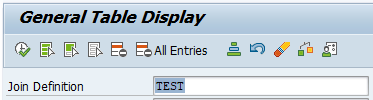
In S4HANA2023 and more recent versions there is a new SE16 flavour: SE16J (for setting up queries on tables with Joins). This is very powerful function next to SE16H.
Reference OSS note for SE16J: 3529563 – Functions of transaction SE16J.
Setup new SE16J query
Start transaction SE16J. Give your new query a name and description and press the Create button:
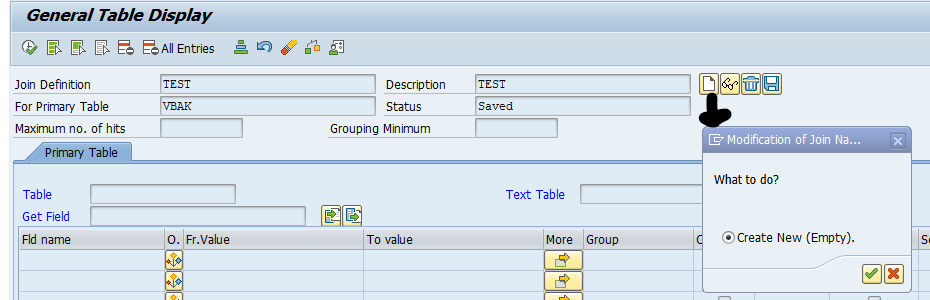
Now click on the 3 dots to add a secondary table:
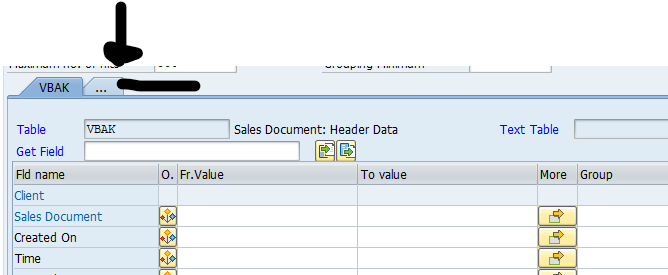
You can put in selection criteria, aggregation, decide to output fields.
Give the secondary table (in our example VBAP):
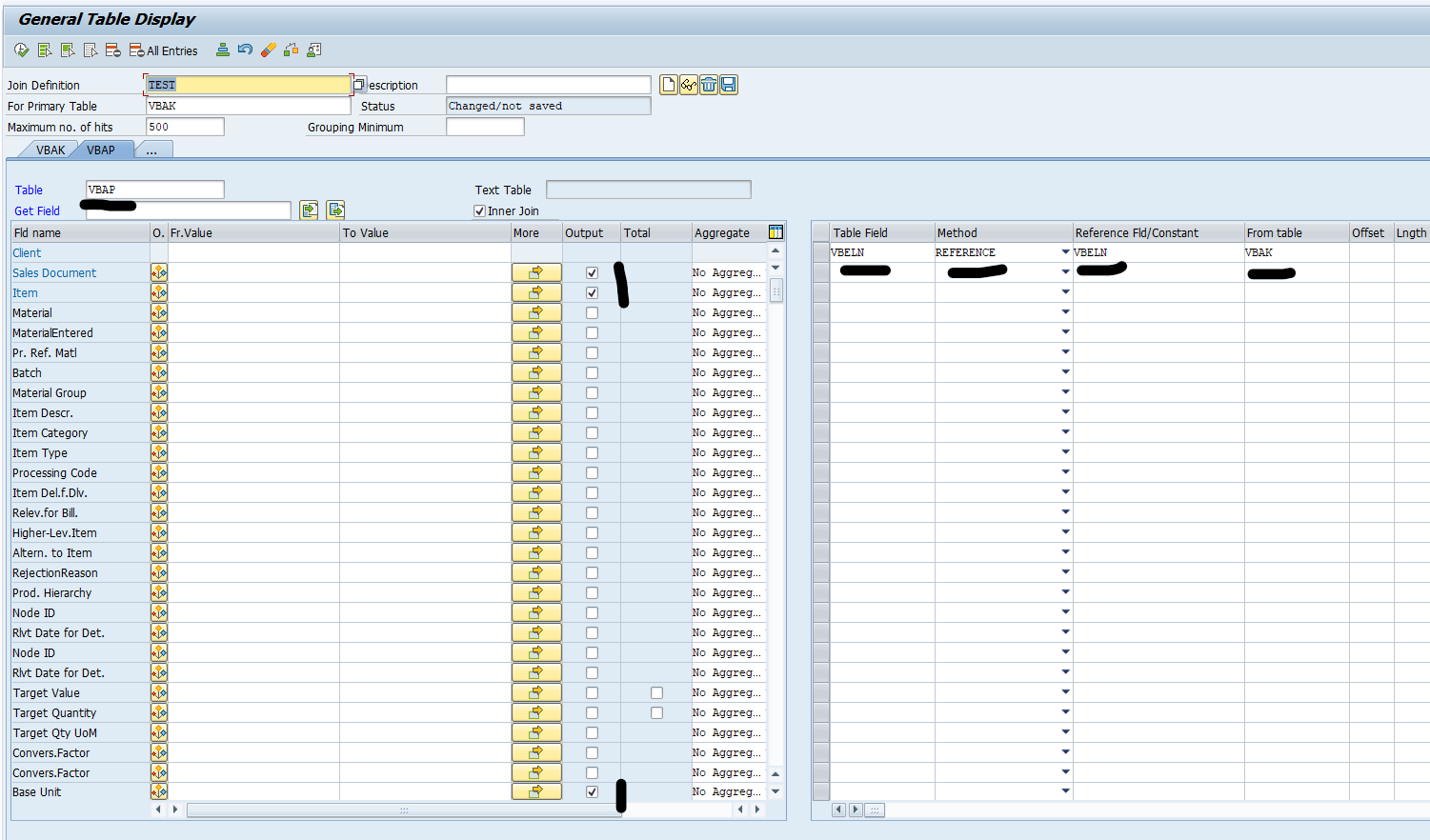
Important now: select the Inner join tick box if you want inner join, otherwise you get outer join. Select the fields for output, aggregation etc.
Important: on the right hand side give the JOIN fields.
Now press the Check button, and when ok, the Save button:

Run query
Now run the query by hitting execute. Due to the saving, next time, just pull up the existing query.
Output example:
