
SAP has released the SAM4U tool to manager your software licenses for SAP. This tool is especially useful in large SAP landscapes.
The SAM4U tool helps you to optimize the licenses. It does not replace the formal license submission tool SLAW2.
Benefits of SAM4U
- Improved SAP license cost control
SAM4U continuously analyzes actual SAP usage and compares it with purchased license entitlements. It helps identify: over-licensed users, under-licensed users, users automatically classified into expensive license categories.
Opportunities to reduce license costs through reclassification. - Proactive audit readiness
Instead of waiting for an SAP audit: License consumption is continuously monitored. Compliance gaps become visible early. Entitlements and usage are maintained in one place. This reduces surprises during SAP license audits. - Consolidated View Across Multiple SAP Systems
Usage data from ECC, S/4HANA and other ABAP systems is consolidated. License consumption is tracked centrally. Landscape-wide reporting becomes possible.
- User classification optimization
SAM4U analyzes: actual usage, authorizations, assigned roles.
It highlights users who may be consuming more expensive license types than necessary and suggests optimization opportunities.
- Authorization analysis
The tool provides: current vs. target user classifications, detailed authorization object analysis, role and profile impact assessments.
This is useful for Basis, Security, and GRC teams performing role redesign or license optimization exercises.
- Transaction usage analysis
SAM4U tracks: active user behavior, transaction code usage, historical activity.
Transaction analysis can be leveraged for authorization role redesign.
- SAP HANA consumption insights
SAM4U includes: historical HANA memory consumption, database growth trends, HANA enterprise edition analytics. This gives visibility into HANA utilization over time.
- Simulation capability
According to the SAM4U user guide, the tool can simulate: changes to roles
changes to authorizations, impact on required license quantities.
This allows “what-if” analysis before implementing role changes.
- No data leaves the customer network
License data remains inside the customer’s environment. SAP does not receive operational usage data through SAM4U. This addresses common security and confidentiality concerns.
- No additional license cost. SAM4U tool is free of charge.
Time to implement the tool is not for free.
Set up of SAM4U
The setup of the SAM4U tool is clearly described on the SAP help file for SAM4U. SAP also offers help with a service to implement the tool on their SAM4U site.
Central installation
The first part is the installation of the central tool on the central system.
Choose a system with a high S4HANA version. Do not use SAP solution manager.
First make sure on the central system the bug fix notes listed in 3646933 – SAM4U Solution | Fiori Application | V2 are applied. And apply the notes for 3292019 – SAM4U Data Extractor.
Once done goto the installation and upgrade part of the SAP help file for SAM4U:
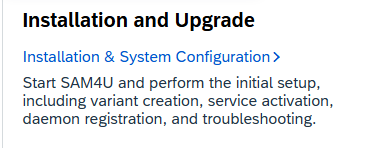
F0llow all the steps:
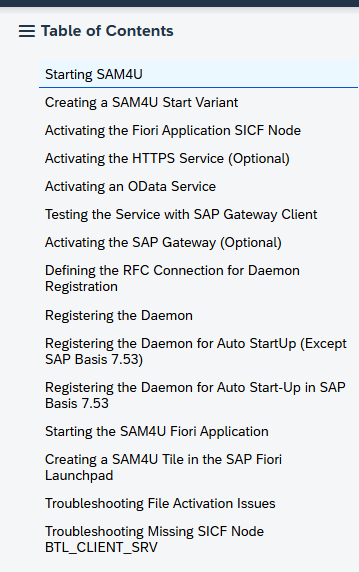
Hints: the first 2 steps are confusing. It tells you to start transaction /n/SAM4U/START, but that only works when step 2 is done, where you create the actual start variant.
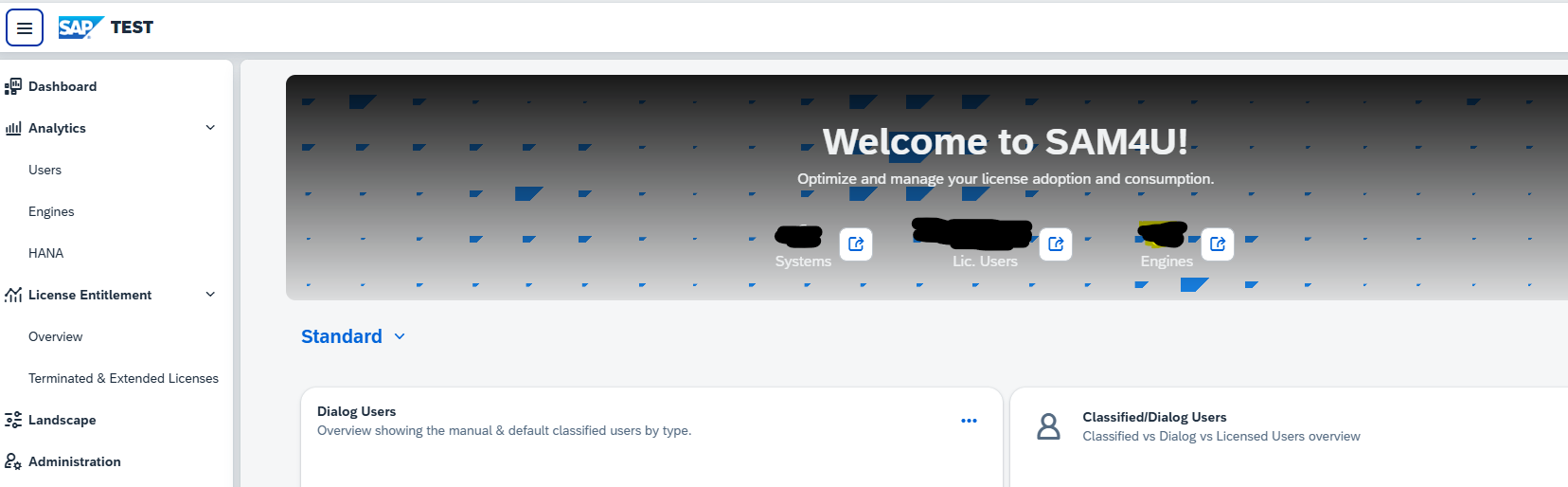
After completing all the steps when starting transaction /n/SAM4U/START the FIORI page should launch:
Connecting the SAP systems
Per SAP system you want to connect, first apply the notes for 3292019 – SAM4U Data Extractor. The per connected system follow the steps in the SAP help file for SAM4U for the Data Extractor Guide:
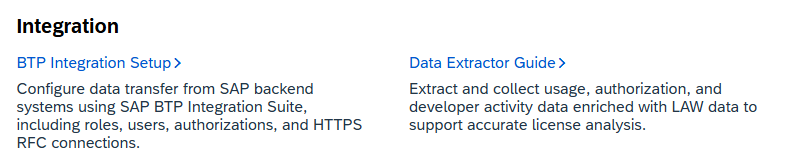
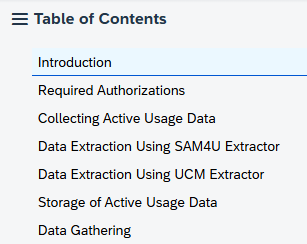
Choose between RFC based or file based data extraction. Important in both cases to give the user ID’s the appropriate authorizations as described in both Required Authorizations section as in the Data Gathering section. Make sure the data extractor job runs regularly.
The data of the extractors is stored in table /SAM4U/BEXDUSE. Looking at the content of this table as basis person can also help you to get insights into how end users are using the system. You can find transaction start, but also Remote Function calls.
Administration of systems
Before usage you must administer all your systems in the solution. This part is explained in the SAP help file for SAM4U:
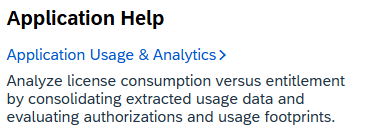
After setting up the proper authorizations go to the Administration section:
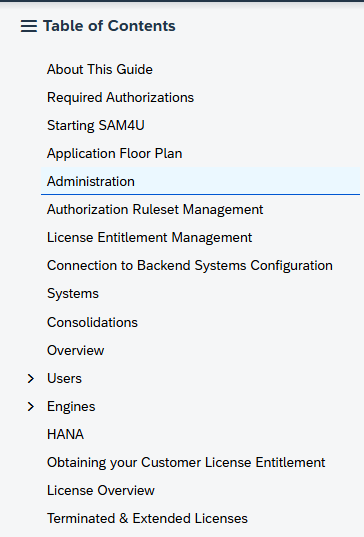
In the SAM4U tool add the system by clicking the + sign:

In the popup that comes select the RFC you created from the central system to the backend system. Make sure the user in your RFC has the rights to run and read the SAM4U tables, and has the rights to run the SAM4U RFC modules. If the rights are not ok, the tool will make the connection Red (without further detail). To get the details of what is missing in the target system role, run an ST01 or STAUTHTRACE in the target system for the user ID used in the RFC.
First do one system to test the entire function. When you are happy, repeat for all backend systems.
Next step is to download the ruleset xls which is attached to OSS note 3113382 – Authorization-based SAP S/4HANA User Simulation / FUE Projection. Upload the downloaded xls with the Upload button:

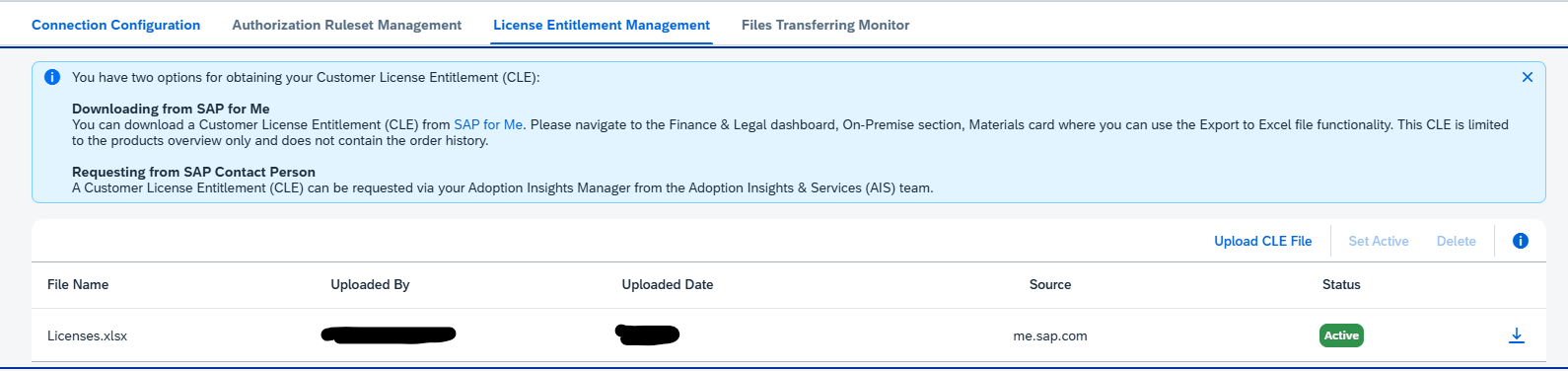
Next step is to download License Entitlement file from me.sap.com. Instructions are given on top. Use the upload button to upload the file:
Running the tool
On the landscape tab run the tool per landscape to gather the data, by pressing the Go button:
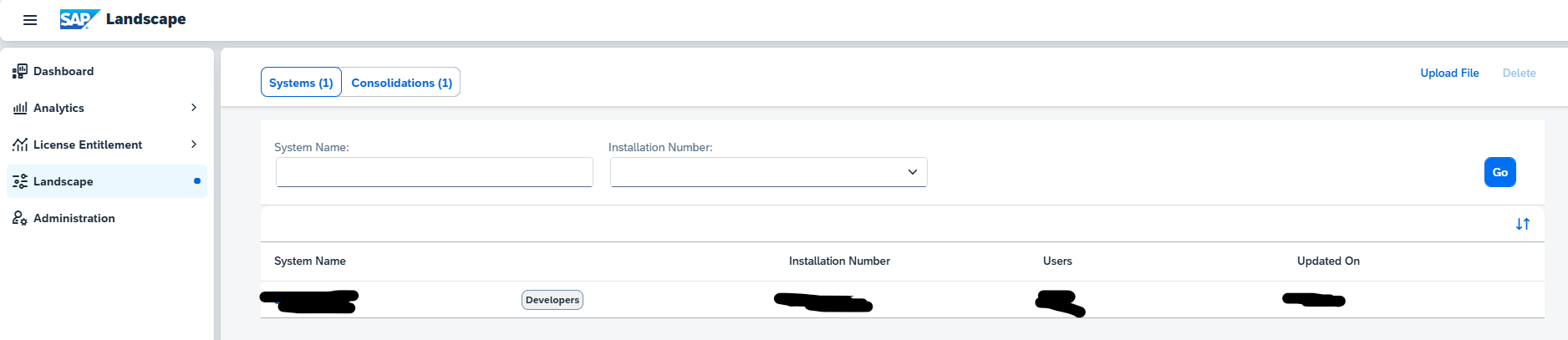
Wait until the results are done.
Go to the Consolidation tab and create a consolidation and execute it:

Now the data sections in the Analytics and License entitlement are visible with the data:
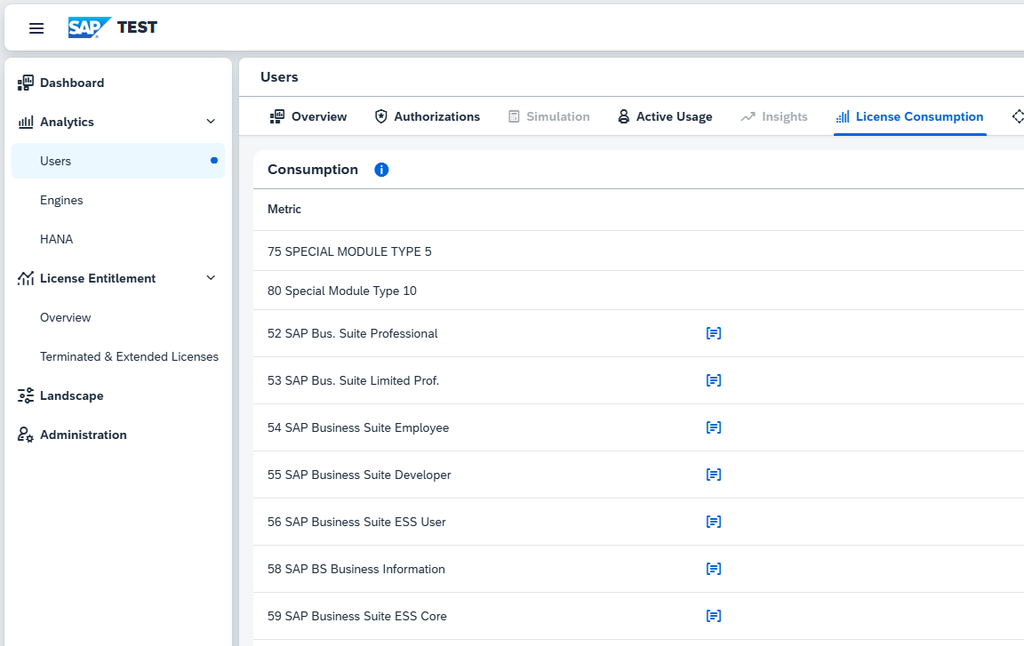
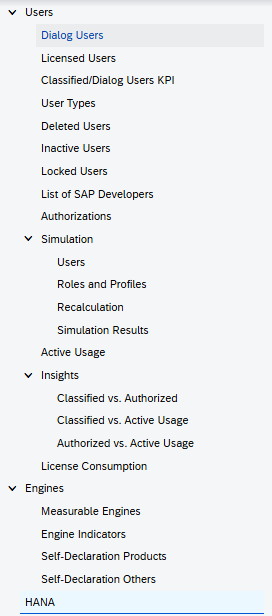
For all the functions here, the SAP help file for SAM4U links is excellent to explain the details:
OSS notes and SAP references
If you need bug fix notes search on me.sap.com with the term SAM4U.
Link to the official SAM4U marketing. Small and simple blog on SAM4U.
Link to the YouTube explanation of SAM4U.